
How to record a ride
The record button is in the center of the bottom bar; a quick outing starts with one tap.
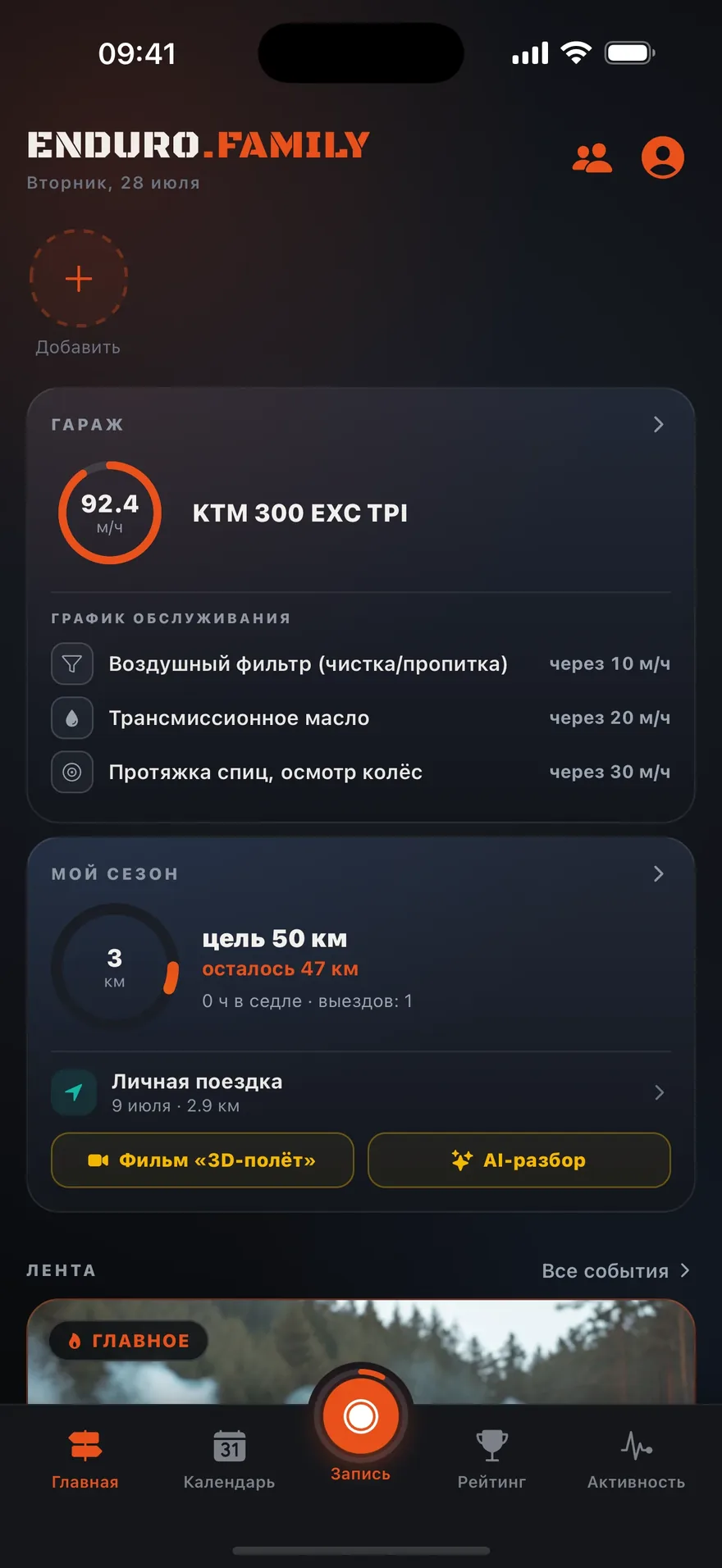
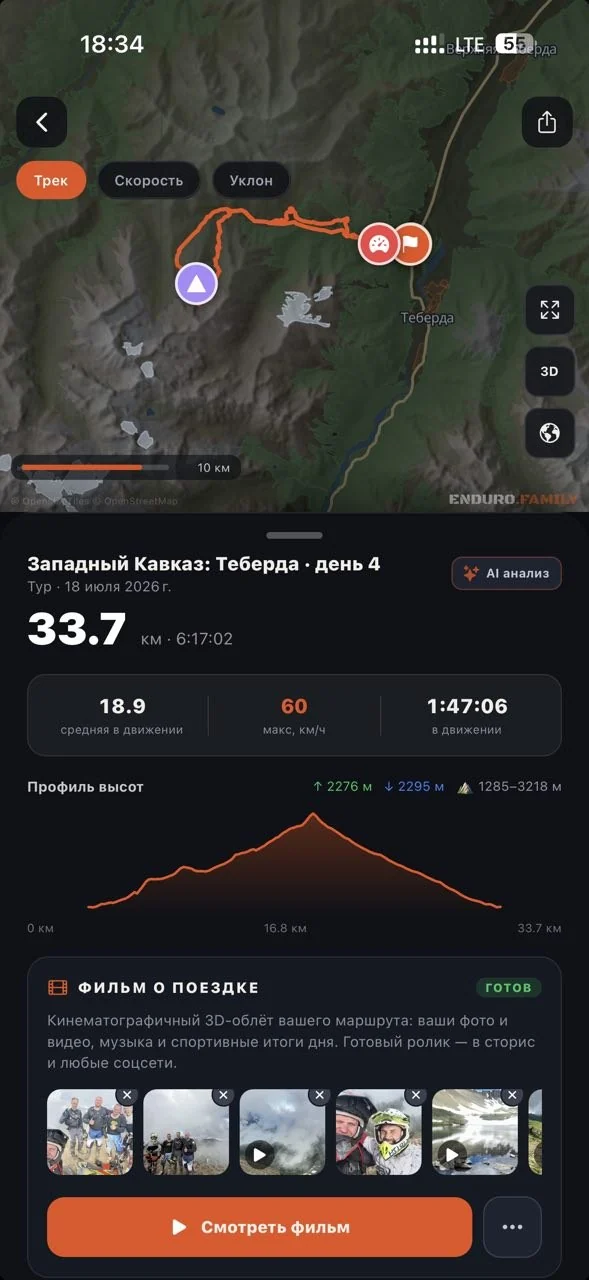
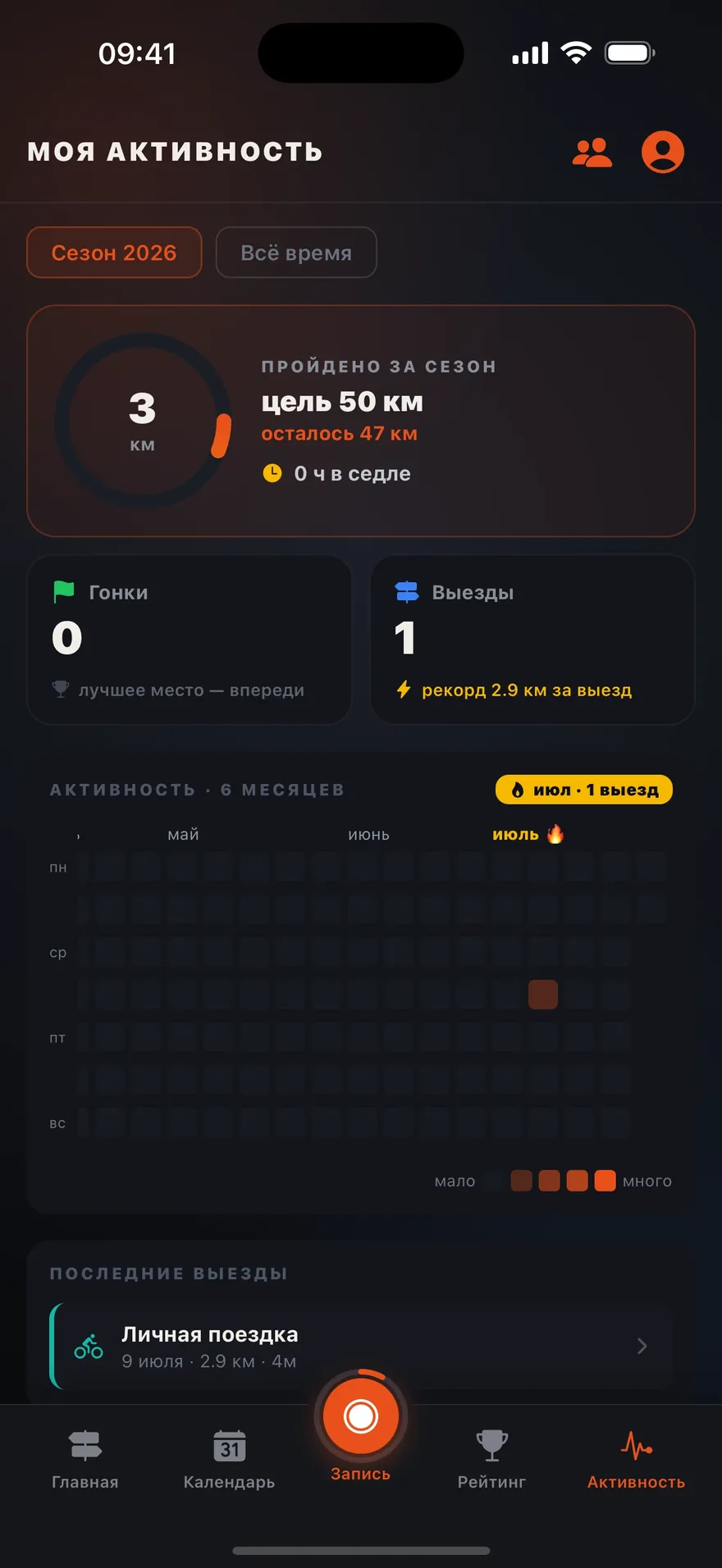
- Tap the central record button in the bottom bar.
- Put the phone in your pocket and ride: recording works in the background, the screen can go dark.
- At the finish, press and hold “Finish” — the outing is saved with the track, speed, and elevation profile.
- A summary screen opens: the track outline, distance, time and speeds. The engine hours are there too — the app adds the ride time to the selected bike’s counter; confirm, or type the reading from the dash, or tap “Don’t log” if you don’t need it.
- From the summary you can “Share” a card right away or “Open ride”. With no network the ride is kept on the phone and uploads by itself — the summary tells you so.
Forgot to stop the recording? No harm done: the outing closes automatically at midnight, and “phantom meters” from a phone lying still are filtered out.
Pause. Stop for more than a minute and a half and the recording pauses by itself, then resumes when you ride off. You can also pause with the button. If you forget to resume and ride away, the recording resumes on its own: once you are more than 100 meters from where you paused, or after 30 seconds faster than 10 km/h. You get a notification.
Online visibility. When a recording is running for a group event, you are visible on the live map — the recording screen’s header shows “you are visible on the map”. Don’t want to be shown? Tap the eye button on the left of the recording screen: your marker disappears from everyone’s map immediately, and the label changes to “you are hidden”. The track keeps recording all the while. You can turn visibility back on with the same button at any moment.
The recording screen
- Numbers. At the top, large, is your moving time; below it, four tiles: distance, speed, average speed and elevation gain. Press and hold any tile to put a different number in its place: max speed, descent, altitude, pace, total time, heart rate from your watch, or time of day. Your choice is remembered. The first two tiles also show in the collapsed panel.
- Status chip to the right of the time. A green dot and “GPS ±5 m” mean recording is fine. Yellow or red means something is getting in the way: no “Always” permission, no network, the group can’t see you, battery. Tap the chip to open the list of warnings, each with a button that takes you to the right settings.
- Bike. Below the status chip is what you are riding. Tap it to pick another vehicle from your garage (the engine hours go to it after the finish), mark “Someone else’s vehicle” — a rental or a friend’s bike, no engine hours logged — or add a new vehicle to your garage without stopping the recording.
- Lock. The lock button to the right of the time locks the screen so nothing gets pressed in a pocket or with gloves. The numbers stay visible. Hold the lock to unlock. The lock also holds the screen orientation, so bumps won't flip it.
- Landscape. The recording screen rotates on its own when the phone sits sideways on a mount: the map on the left, the time, tiles and the pause, SOS and finish buttons on the right. All other screens stay portrait. The ride summary after the finish always opens in portrait. Available from version 2.5.0.
- Map. Recording runs on a dark map, and your track is a bright orange line. The arrow on your dot shows direction: GPS course while moving, compass when standing. The arrow button above the panel on the right brings the map back to you and to the working zoom. A downloaded area is drawn dark offline too.
- Rider trails. Tracks riders published on the community map are drawn on the recording map as trails: a wide one was ridden on a quad, a thin one on a motorcycle, bicycle or on foot. A trail is a route: the author’s repeated laps and passes are removed, leaving one line you can follow (the author still sees every lap in their own ride). Tap a trail or the vehicle icon on it to see its name and difficulty, then “Ride this trail” or open the track card.
- Layers (button on the left of the map) — rider trails (on by default, can be turned off), bases and services.
- Load track — a button in the panel: a route to follow (a light dashed line on the map). Sources: “Favourites” — tracks you starred on the track card or in the trail sheet on the map; “My rides” — ride your own route again; “GPX file”. You can also remove the route from the map there.
- Route guidance. When a route is on the map, the app guides you along it: the panel shows “To route 390 m” with an arrow — head to the nearest point, from any part of the track. Once on the line it changes to “1.2 km left · ~3 min” and the percentage covered; the part you’ve ridden turns grey. Direction is taken from your first metres of riding, so you can go either way. If you move more than 50 m away from the line for over 10 seconds, the phone vibrates twice and the row turns red: “Off route — 80 m”, with an arrow pointing back. On a loop the lap counts back to where you joined; on a linear route you’ll see “Route completed” at the end, and recording carries on. “Left”, “Covered, %” and “To finish” can also be put into the tiles.
- Voice prompts. From version 2.5.0 the app speaks (in Russian): you're on the route, you're off the route, you're back on the route, lap done, route done. The voice plays in silent mode too and doesn't duck your music. Turn it off with the speaker button on the right of the map. With the screen off, going off the route triggers a notification with sound (on Android, the voice if it's on), so keep notifications for ENDURO.FAMILY allowed.
- Map follows your heading. While guiding, the map turns with your direction of travel, like a navigator. The round button on the right, above the arrow button that brings the map back to you, switches to north-up (Cyrillic letter “С”) and back — your choice is remembered.
- Invite friends — a button in the panel. A sheet opens: tap “Allow and invite” and your personal ride becomes a group outing, then pick who to invite. Participants see you on the map and you see them; recording isn’t interrupted. “Not now” creates nothing.
- To stop recording, press and hold “Finish”.
Was this article helpful?No — ask a question