A work order instead of a notebook
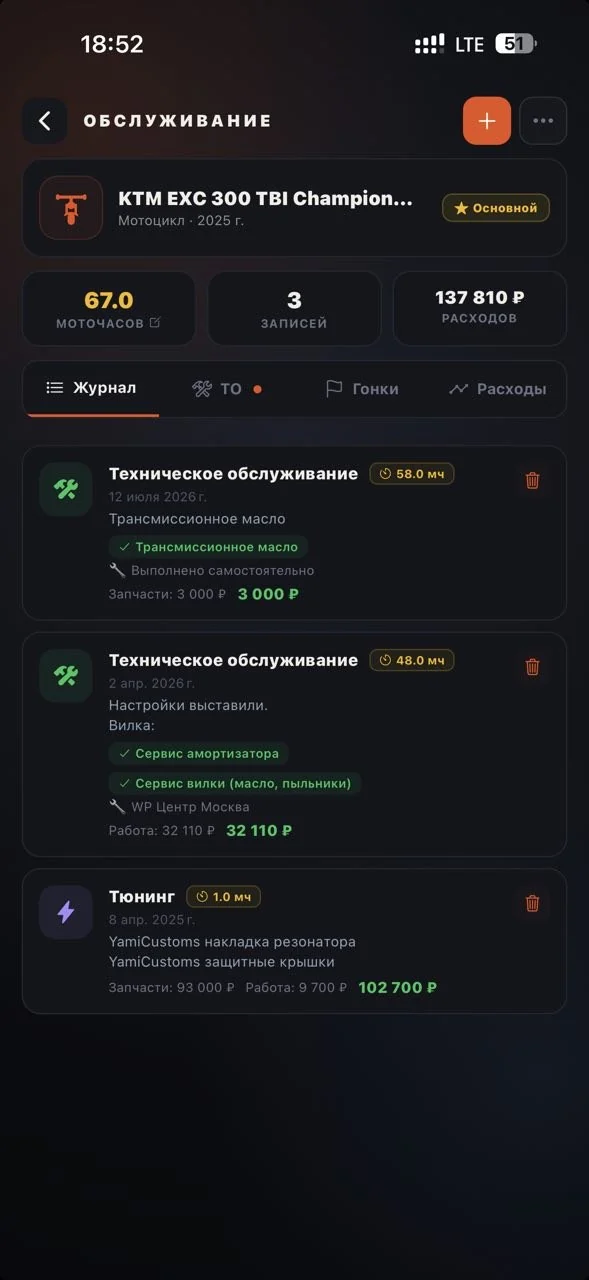
“We never ordered that” is the most expensive phrase in a workshop. Here the work order is built in the app, the client approves the scope and the price before the work starts, and finished jobs land in the maintenance log of their bike automatically.


Before and after
Workshop CRM
Itemized work orders
Jobs and parts as line items, totals calculated by the server. Your standard price list fills in automatically — an order takes minutes to build.
Client approval
The estimate goes to the client in the app. Work starts after their confirmation — price disputes are ruled out by design.
Workshop roles
Owner, service advisors, mechanics — each with their own access. Work orders don't get lost between shifts.
The client's maintenance log
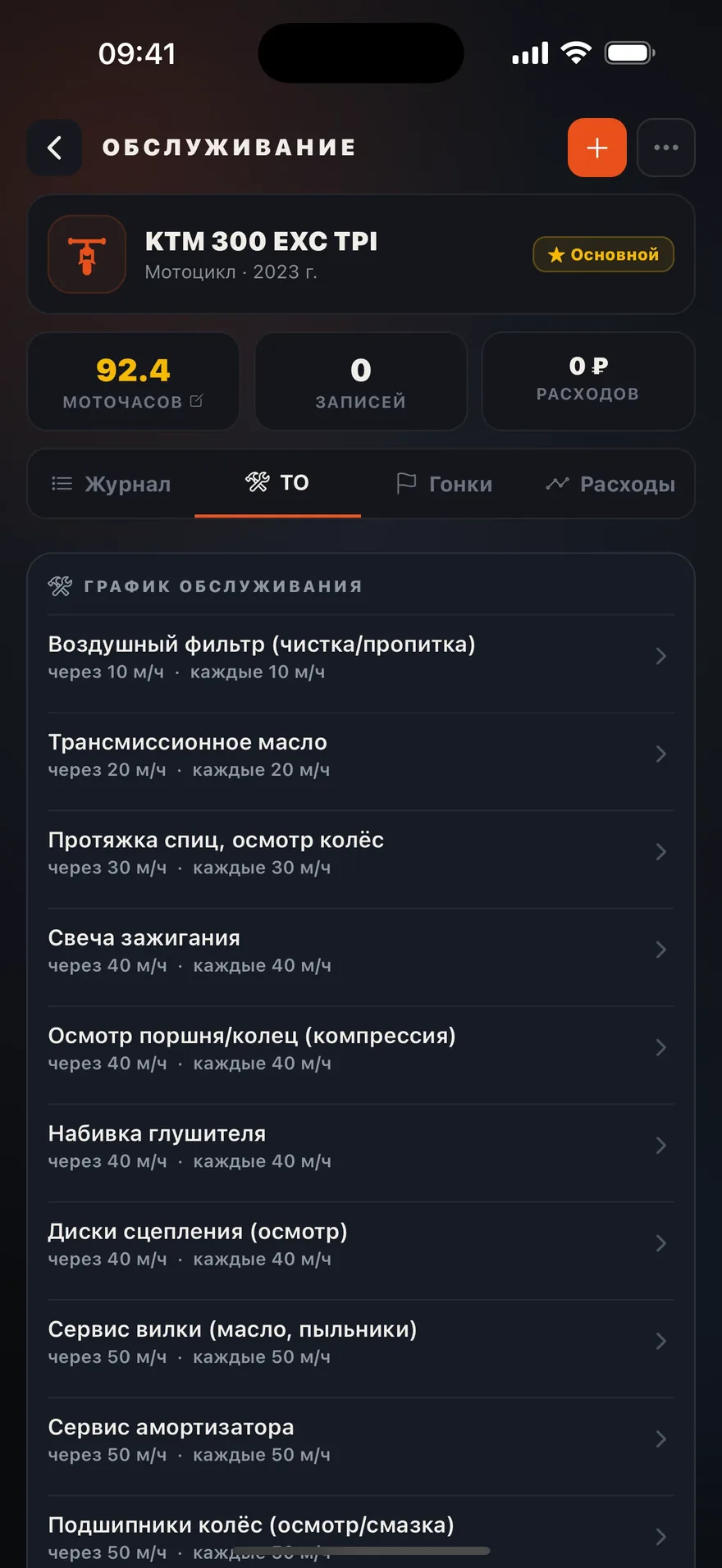
On-request access to the service history and engine hours of their bike. A completed work order closes items on the maintenance schedule automatically.
Requests from riders
A bike owner sends a service request straight from their garage — to their club's mechanics or to your workshop.
Ads at the “service due” moment
Your workshop's offer appears right next to the maintenance-due reminder. The hottest moment of demand there is.
How to connect
Workshop application
A workshop form in the app: location, specialization, team.
Verification and storefront
The VERIFIED status, plus a card on the map and in the services catalog.
First work order
Client request → estimate → approval → work → an entry in their maintenance log.
The client comes back
Their maintenance intervals are tracked by engine hours — and bring them to you again.
FAQ
We're a club mechanic, not a workshop
My client doesn't use the app
Do you take a percentage of work orders?
What does PRO cost?
Let other workshops do the arguing
Connect the CRM — and every work order will be approved before you pick up a wrench.