
The maintenance schedule and “maintenance due” reminders
Intervals from your model’s manual, urgency colors, and due-date notifications.
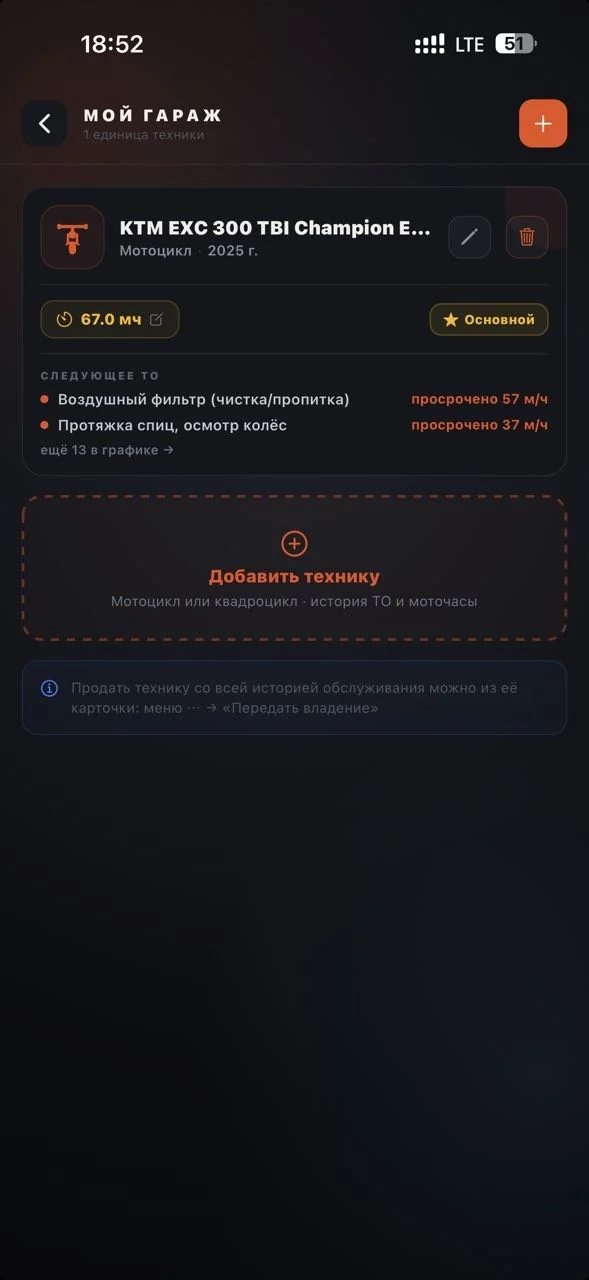
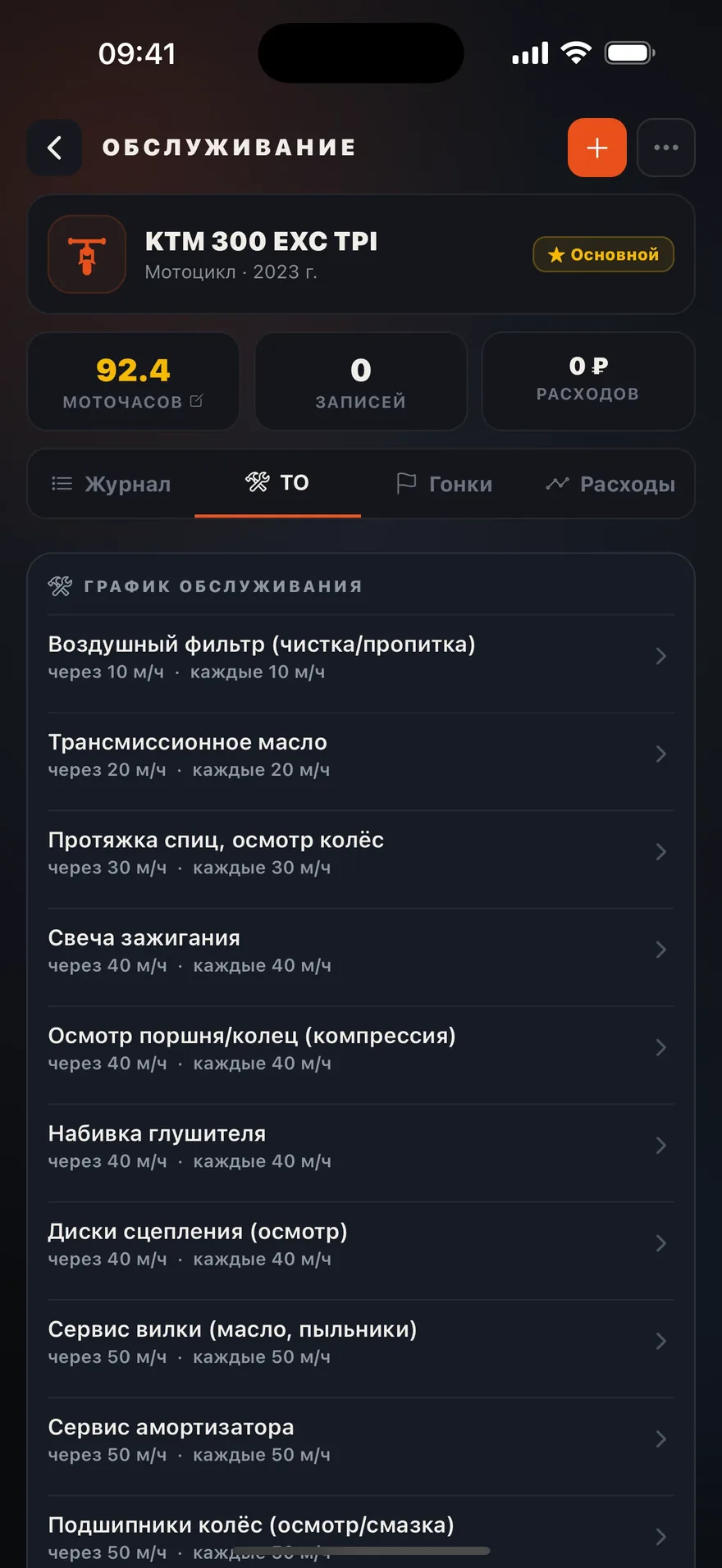
For common enduro models (KTM, Husqvarna, GASGAS, Beta, Sherco, Yamaha WR-F, Honda CRF-X, and others) the schedule is pulled from the manufacturer’s manual: oil change, air filter, valves, spokes — each item with its own interval in engine hours.
Each vehicle card in the garage shows three figures — “Engine hours”, “Maintenance” and “Work order” — and a sentence about what matters below them, for example “Work order No. 11 is in progress. Contractor: …”. If jobs are overdue while a work order is open, a second line about them appears below. “Maintenance” opens the Job schedule tab, “Work order” opens the work order itself. The “⋯” menu on the card (or a long press) has a workshop request, engine hours, editing and “Make primary”.
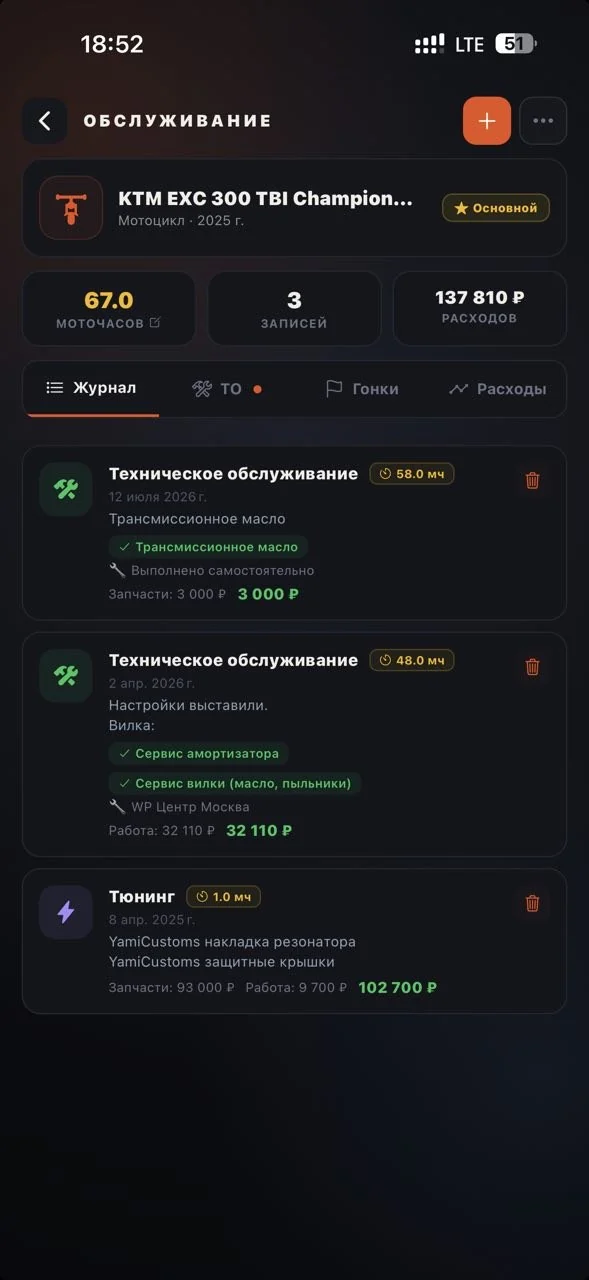
Inside a vehicle you’ll find engine hours with the date of the last reading and a “Record a reading” button, a maintenance status block, and the tabs History, Job schedule and Analytics. History is a month-by-month feed of engine-hour readings — after each ride you see how much was added. If a work order is open for the vehicle, its card is pinned at the top of History. A service entry there is a card with the job category (maintenance, repairs, tuning and others), the list of jobs, engine hours and the total cost; tapping it opens the full entry. The Job schedule tab is where reminders are set up: the maintenance schedule and how much is left before each job. A notification reminds you when a due date approaches. Analytics shows the costs by category and month.
Log a job in the service log — and the due dates recalculate from the actual engine hours. One entry can close several schedule items at once.